
August 16, 2026 · By ImageSizeFor Team
Etsy Photo Size Guide: Avoid These Common Listing Mistakes
A blurry thumbnail or an oddly-cropped listing photo can quietly cost you sales before a shopper even reads your description. Etsy is fairly specific about what it wants from your images - and most sellers have never actually seen the numbers written down in one place.
The sizes Etsy actually recommends
- Listing photo: 3,000 x 2,250 pixels (4:3). This is the size that activates Etsy's zoom feature, letting buyers inspect texture and detail up close.
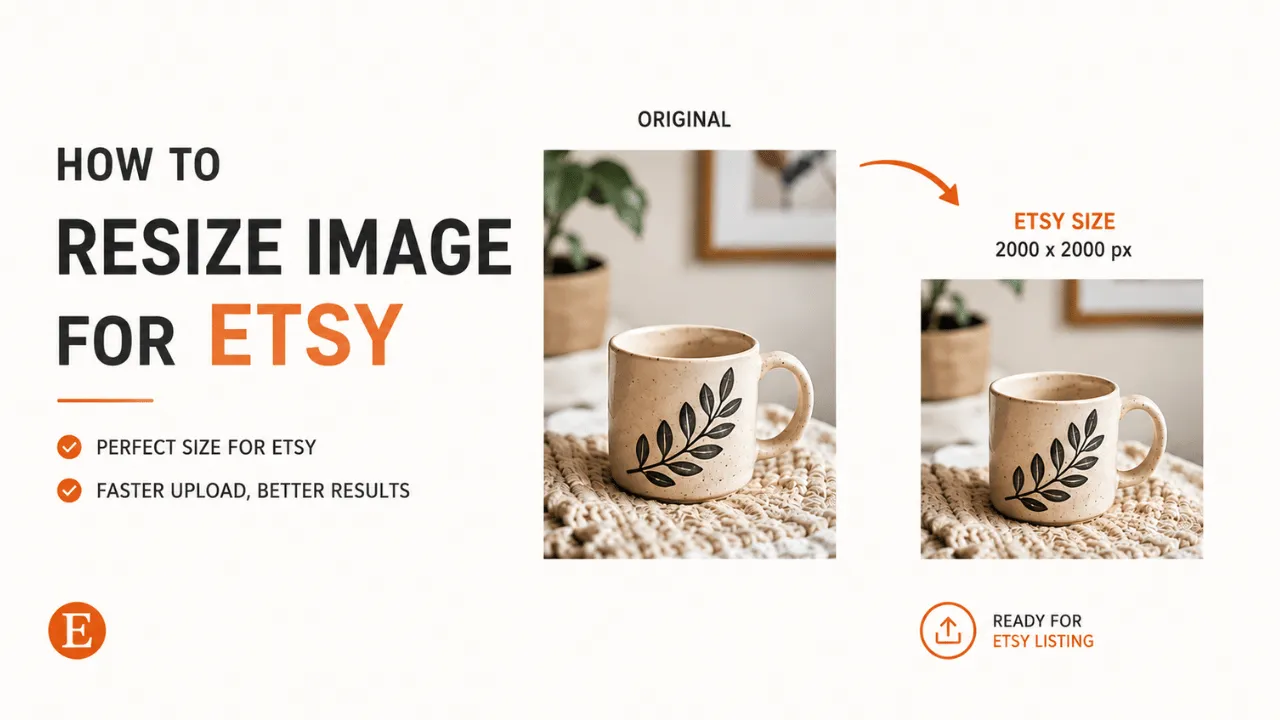
- Square listing: 2,000 x 2,000 pixels (1:1), a fully supported alternative if you prefer a square format.
- Shop banner: 1,600 x 400 pixels (4:1), the wide image across the top of your shop page.
- Shop icon: 500 x 500 pixels (1:1), your shop's small profile-style image.
Etsy's stated minimum is 2,000 pixels on the shortest side. Anything smaller gets upscaled by Etsy automatically, which is exactly where blur comes from.
The mistakes that actually hurt listings
Uploading below the minimum, then wondering why zoom looks bad. If your original photo is smaller than 2,000px on its shortest side, Etsy stretches it to fit. Stretched pixels are soft pixels - there's no way around this after the fact, the fix has to happen before upload.
Cropping too close to the edges on a square listing. Etsy's thumbnail crop can clip details near the border on some layouts. Leave a small margin around your product rather than filling the frame edge-to-edge.
Reusing a random screenshot or phone photo without checking the ratio. A photo taken at a phone's native ratio (often close to 4:3 already, but not always) can come out with awkward letterboxing or an off-center crop once Etsy forces it into position. Checking the ratio before uploading takes seconds and avoids the surprise entirely.
Ignoring the shop banner and icon. Listing photos get all the attention, but a stretched or off-center shop banner is often the first thing a visitor notices when they click through to your shop page - it's worth getting right too, not just the product shots.
Fixing this without opening an editor
You don't need Photoshop or a design background to hit these exact numbers. The Etsy Image Resizer on this site does the whole job in the browser: pick the exact spec you need (listing photo, square listing, banner, or icon), drag your photo into place, and download a correctly-sized file - nothing uploaded, nothing installed, no account required.
If you're setting up a new shop or refreshing existing listings, it's worth running every image through the same check: right size, right ratio, nothing stretched. It's a small thing, but it's the kind of small thing that quietly compounds across dozens of listings.
Need to resize your own Etsy photos? Try the free Etsy Image Resizer →